> For the complete documentation index, see [llms.txt](https://codalin.gitbook.io/nodalin-docs/llms.txt). Markdown versions of documentation pages are available by appending `.md` to page URLs; this page is available as [Markdown](https://codalin.gitbook.io/nodalin-docs/how-to.../instancing.md).
# Instancing
In simplest terms, **instancing** duplicates a shape to multiple locations.
### **One-Click Instancing**:
* Connect a shape node (like Circle) to another shape node (like Square).
* The Circle duplicates to each of the Square’s vertices, creating a **group** of four circles in a square formation.
> The Circle node acts as the **instancing target**, while the Square node doing the duplicating acts as the **instancing source** (if you’re familiar with that terminology 😉).
### **Nesting**
Connect the Square node to a Triangle node — now each triangle vertex hosts four circles! 🤯
{% hint style="info" %}
Quick tip: If you wish to create multiple instances try to use the [Grid node](/nodalin-docs/nodes-reference/sources/grid.md) as your instancing target.
{% endhint %}
***
### **Real-Time Properties**:
Each node in an instancing chain can have its own properties (position, rotation, scale) changed in real-time, allowing for dynamic effects and animations.
### Instance selection
*Coming soon*
### Effects with instances
Effects can be applied per instance or to the entire group.
> Nodalin’s Effects operate on live, procedural shapes. This means the geometric and property data of the input remain accessible to subsequent nodes in the chain. Effects can be chained together to create complex visualizations while preserving the properties of their input shapes. In other words, an effect node doesn’t flatten its input into a simple texture.
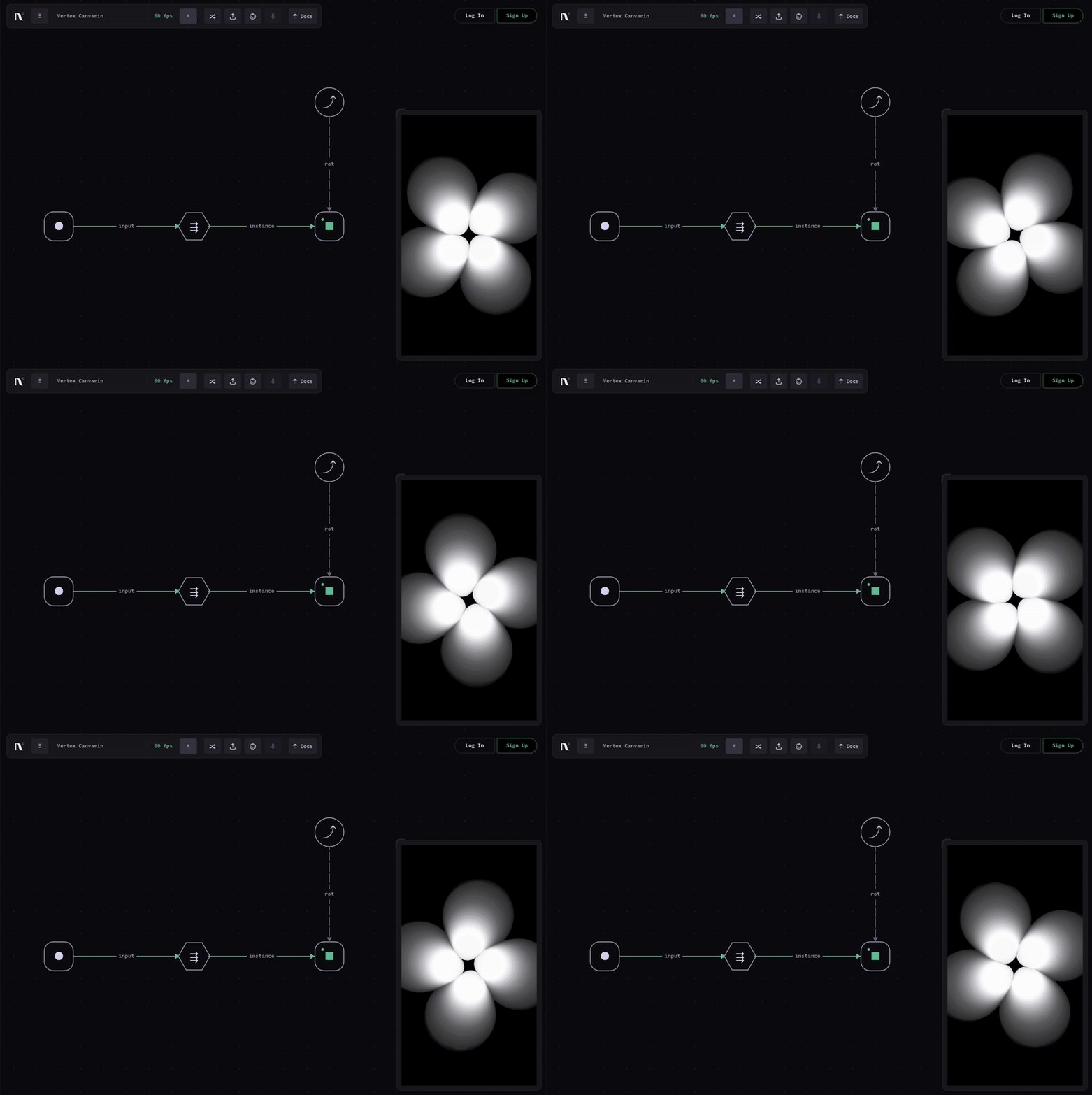
In the following example, a Circle node is connected to a Trail effect node, and the chain continues with a Square node — resulting in an instanced set of four circles leaving a trail. The effect is applied to the circles themselves, without breaking the [output chain](/nodalin-docs/nodes-reference/conventions.md#composition-and-output-chains).
{% hint style="warning" %}
Performance Warning: Deeply nested instancing with multiple targets and per-instance effects can become exponentially expensive and may cause frame drops. To optimize, move certain effects *after* the final instancing stage (so they apply once to the whole group), or offload them to a Post node that processes the entire scene.
{% endhint %}
***